Everything Markdown needs. Nothing it doesn't.
Markant is a viewer. It does one thing — render Markdown beautifully — with the quality of Preview.app and Safari Reader.
Four themes, designed for reading
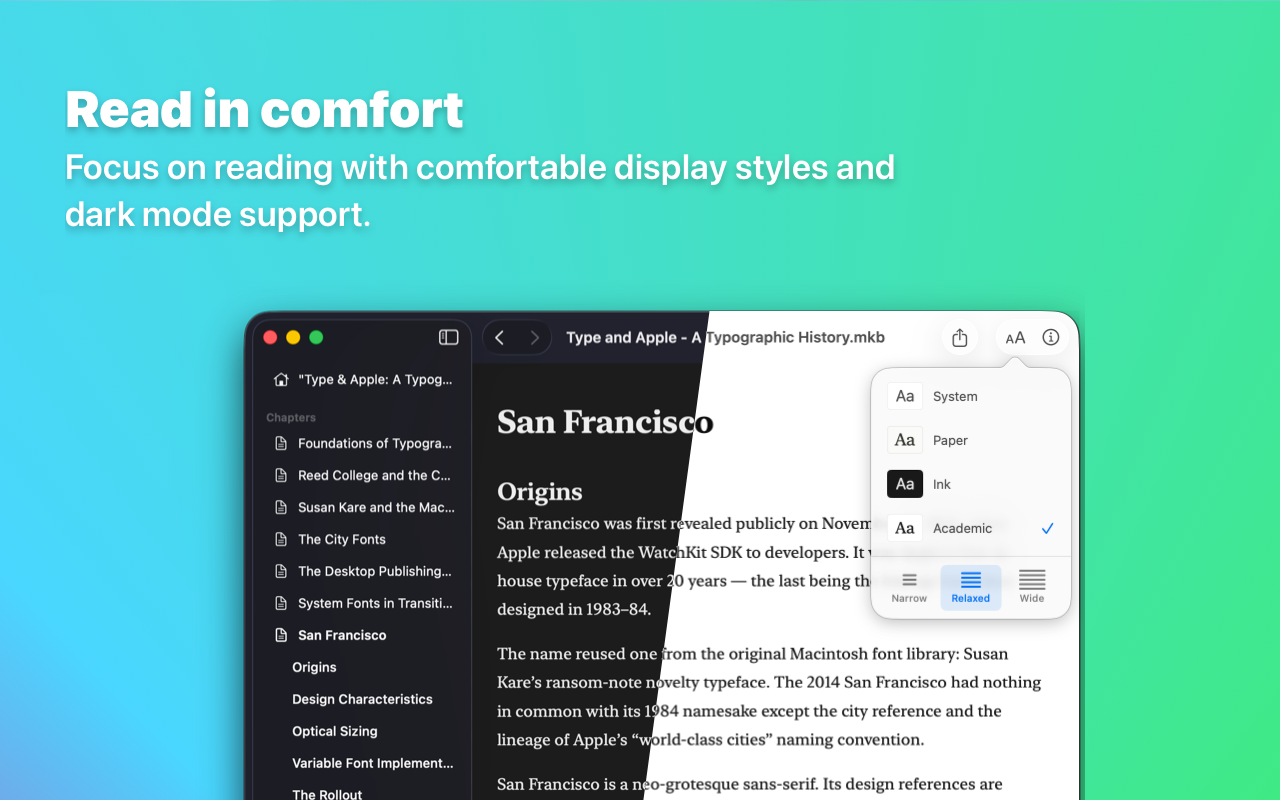
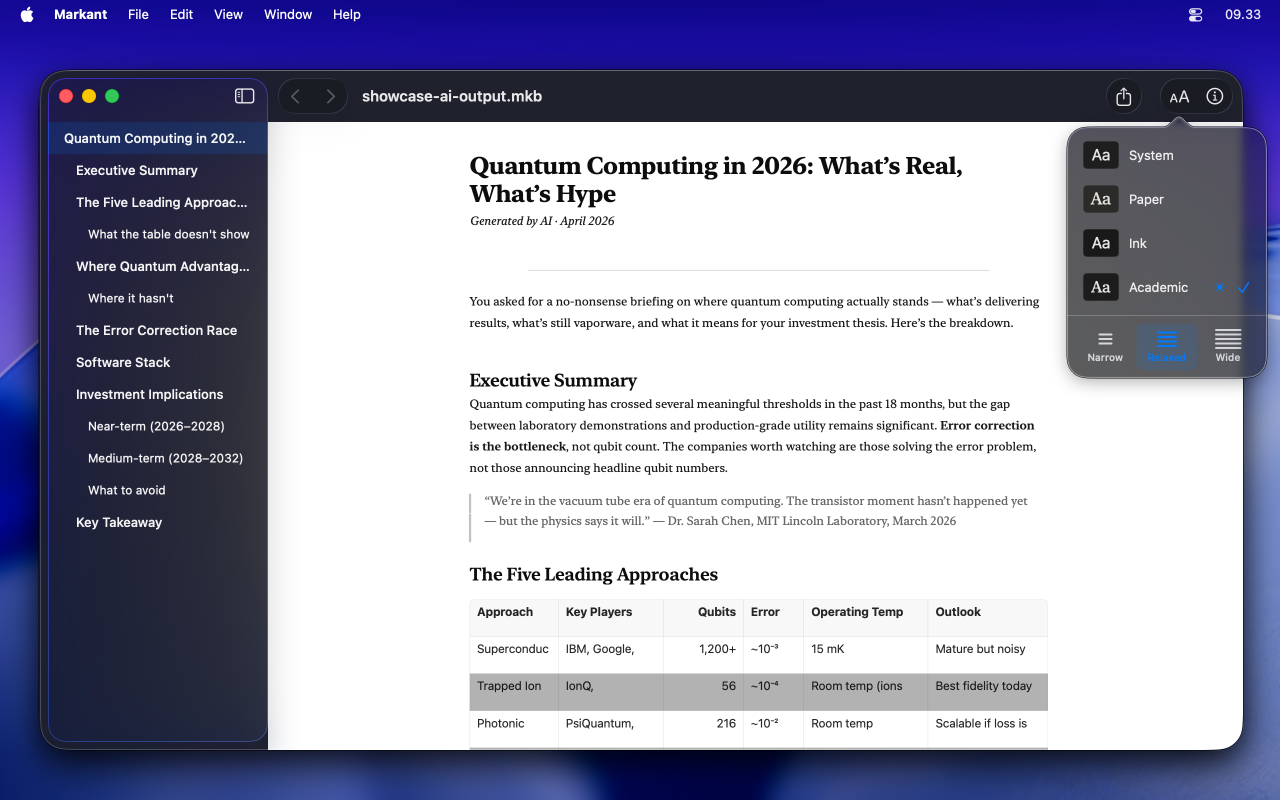
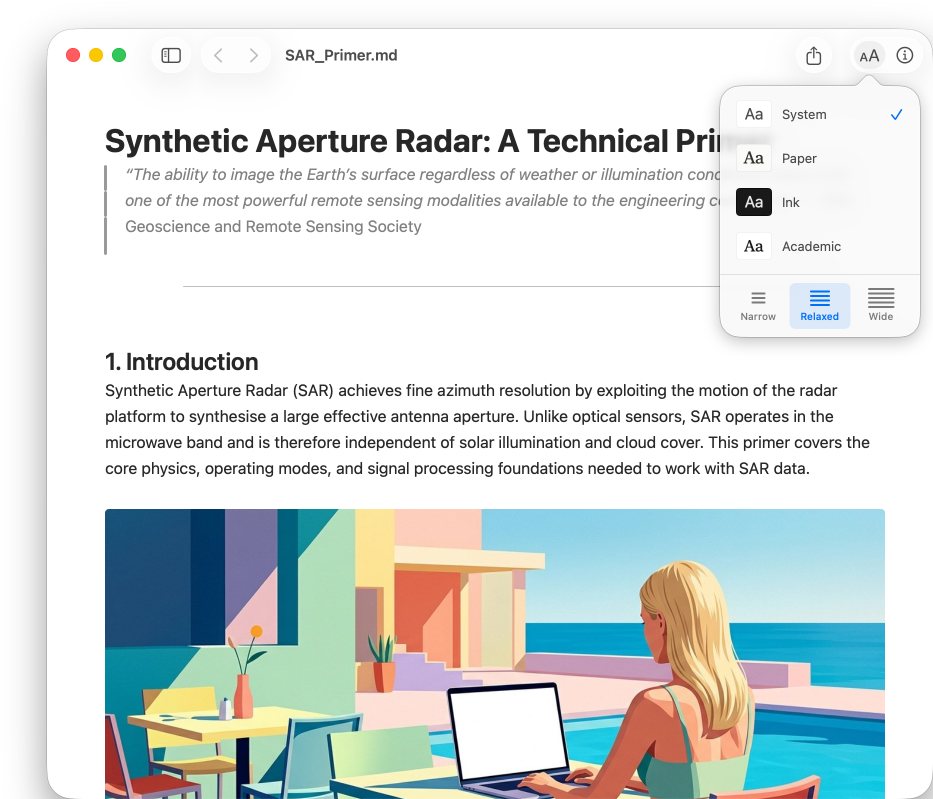
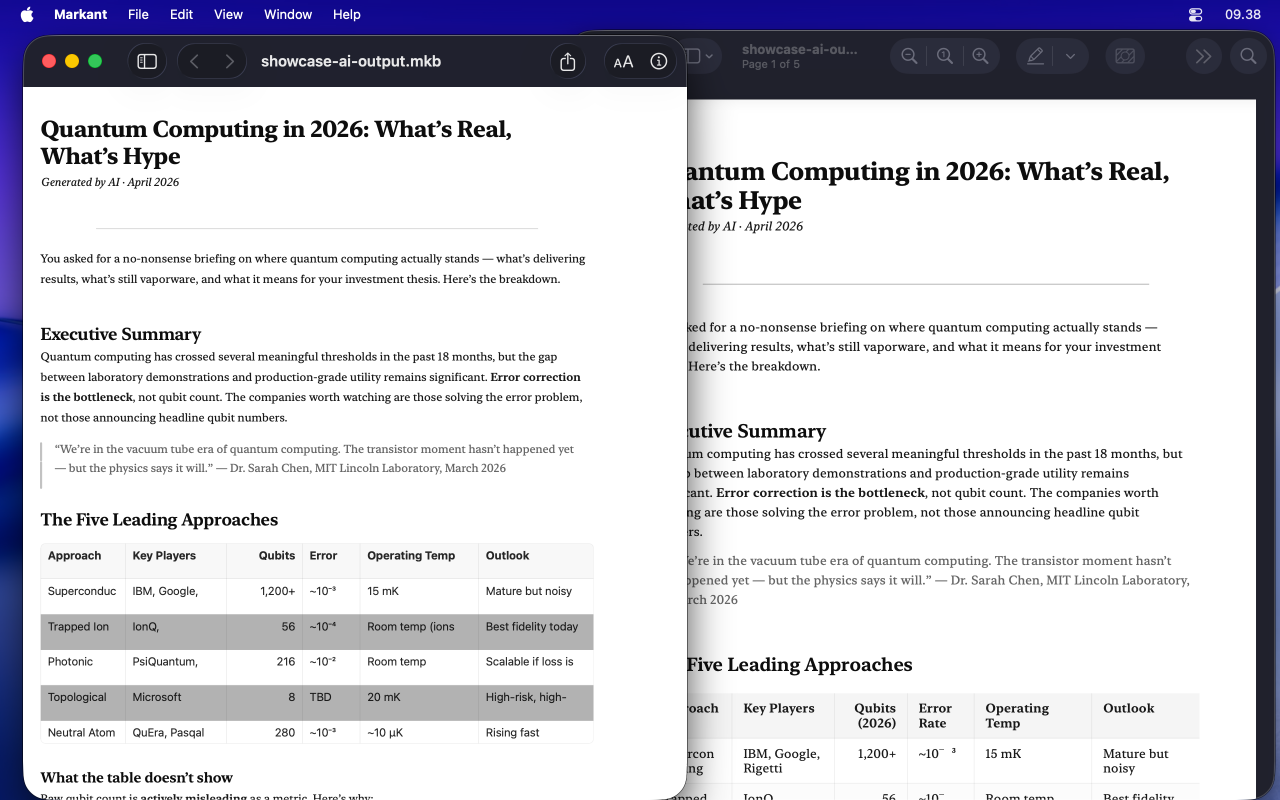
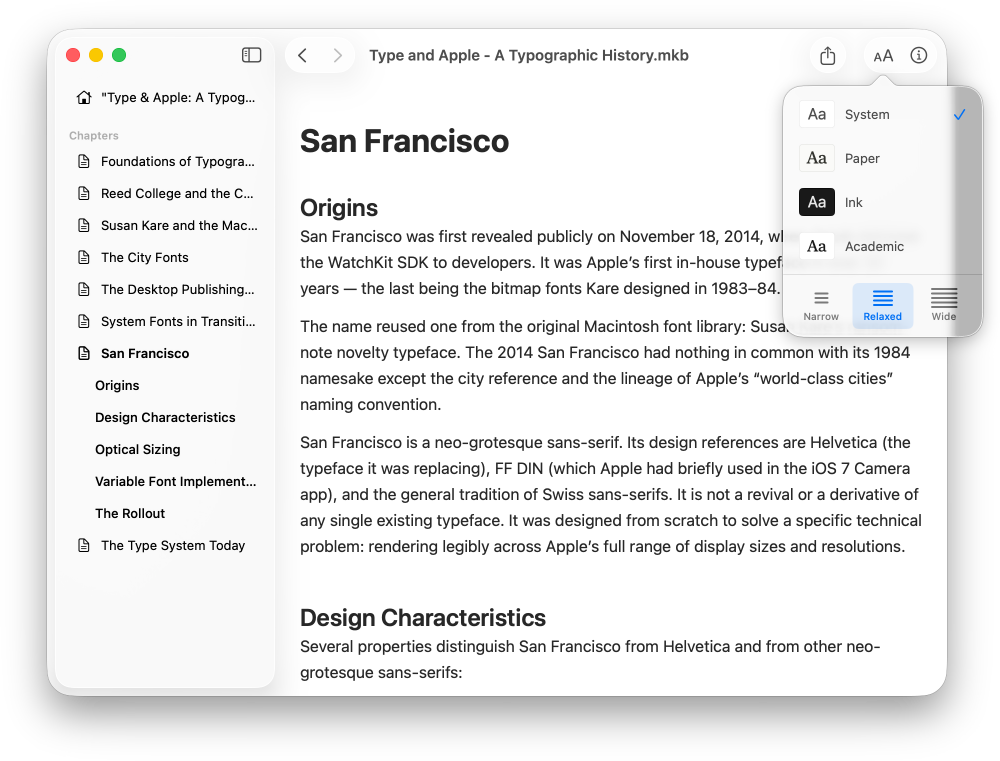
System follows your macOS appearance. Paper has warm, book-like tones. Ink is a dark theme for focused reading. Academic is compact and scholarly.
Each theme adapts to light and dark mode. Choose your content width: narrow, relaxed, or wide. Typography that makes long documents comfortable.
Multi-chapter Markdown documents
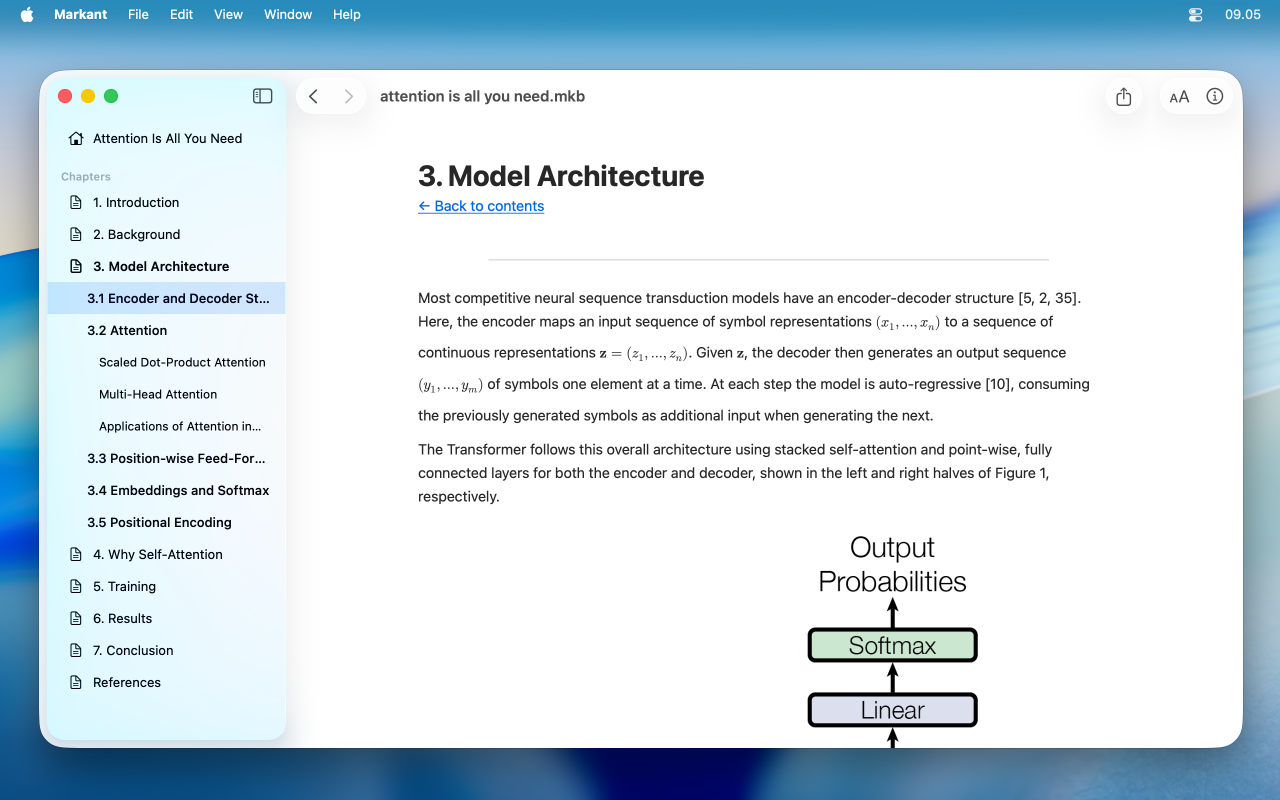
A .mkb file packages Markdown pages, images, and metadata into a single portable archive. Open one in Markant and the sidebar shows chapters automatically.
MarkBooks is an open format — AI can generate them, you can create them with command-line tools, and they're just Markdown inside a ZIP.
Syntax highlighting for 185+ languages
Python, Swift, Rust, TypeScript, SQL, YAML, and 180 more. Colors match your current theme. Code blocks are scrollable, selectable, and printable.
LaTeX math, rendered natively
Inline $...$ and display $$...$$ math that looks sharp at any zoom level and prints perfectly. No blurry bitmaps — just clean, crisp equations.
Supports \(...\), \[...\], and \begin{align} syntax. Math works in tables, too.
Print-quality output
Press ⌘P to print or export to PDF. Markant re-renders the document in light mode at the page width — code blocks, tables, and math all reflow correctly for paper.
Vector math, dynamic table heights, and proper multi-page pagination. The PDF looks like a professionally typeset document.
Obsidian vault compatibility
Open any .md file in an Obsidian vault. Markant resolves [[wikilinks]] and navigates between notes. Image embeds with ![[image.png]] work as expected.
Use Markant as a beautiful read-only companion to your vault.
The details that matter
Search
⌘F opens a find bar. Incremental search highlights matches across the entire document — including inside code blocks and tables.
Zoom
Pinch to zoom, or use ⌘+ and ⌘-. Press ⌘0 to reset. Zoom level persists per document and resets on navigation.
Quick Look
Preview .md and .mkb files in Finder by pressing Space. Thumbnail and full preview, no need to open the app.
Sidebar
Table of contents built from your headings. MarkBook chapters listed automatically. Scroll tracking highlights the current section.
Inspector
File info, MarkBook metadata, YAML frontmatter properties. Press ⌥⌘I to toggle.
Open in Editor
Press ⌘⇧E to open the current file in your default Markdown editor. Markant skips itself so you always land in an editor.
Live Reload
Edit a file in your editor and Markant updates automatically. No manual refresh needed.
HTML Support
GFM and HTML tables, inline formatting tags — <sub>, <sup>, <mark>, <u>. All rendered natively.